

Quick Answer:
The best recruitment CRM software for your agency depends on the work you need to run: candidate and client records, job orders, submissions, placements, and follow-up. Use the shortlist to choose systems to test, then compare the full workflow, implementation effort, and total cost with your own data. A temp agency and a permanent-placement firm may need different operational tools.
TL;DR:
ATZ CRM - Agency ATS and CRM to test for connected candidate, client, job, and placement records
- Bullhorn - Staffing ATS and CRM to test when operational requirements are complex
- Loxo - Executive-search workflow to test when sourcing and long-term relationships matter
- Recruiterflow - Agency ATS and CRM to test for outreach and pipeline automation
- Zoho Recruit - ATS and recruitment CRM to test if your team also uses Zoho products
Use this shortlist to choose demos. Test the complete candidate-to-client workflow and confirm pricing and integrations for the plan you would actually buy.
Which recruitment CRM software fits your agency?
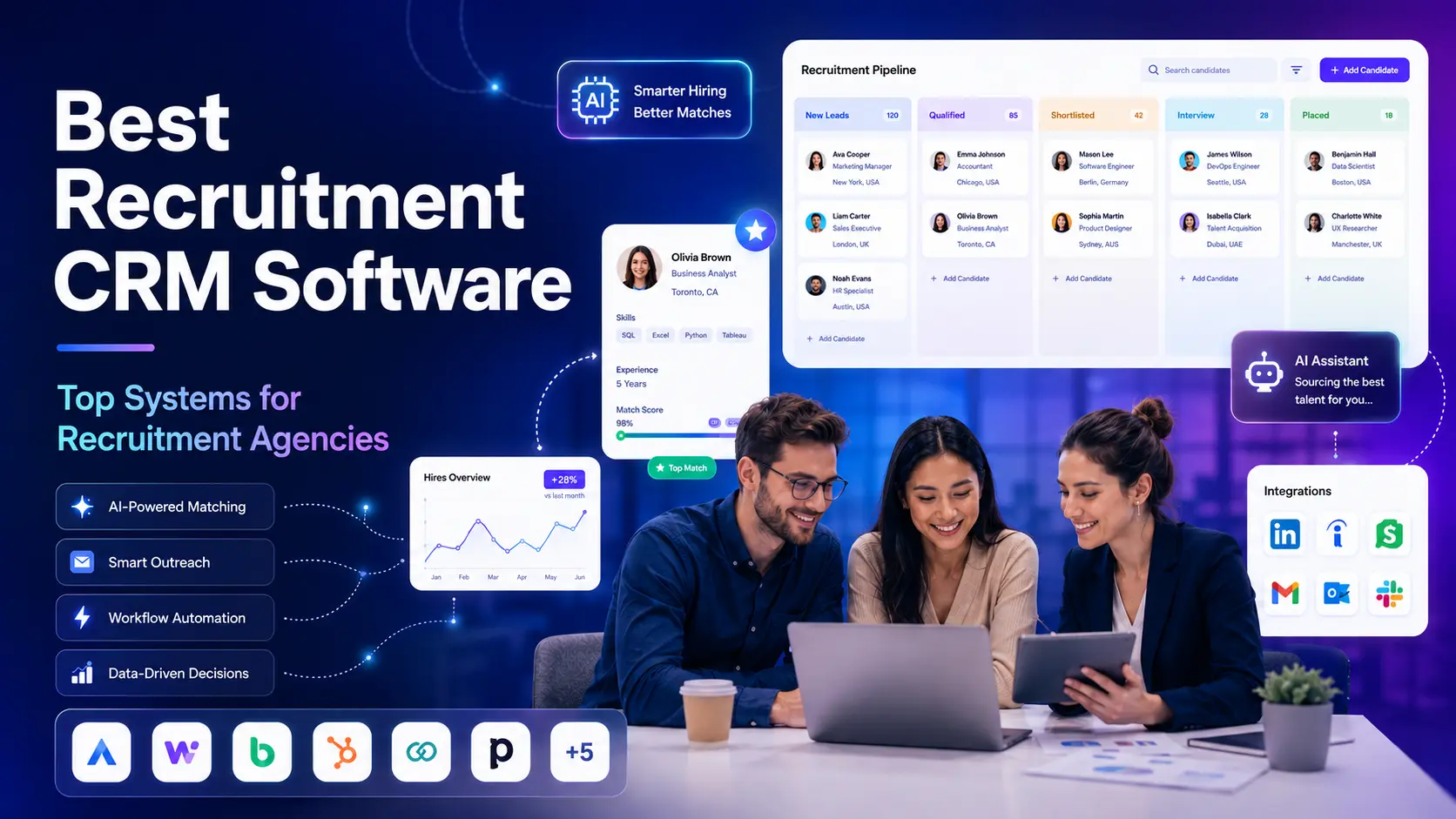
Recruitment CRM software is a relationship management system built for recruiters, staffing agencies, search firms, and talent teams. It helps teams manage candidate relationships, client relationships, talent pools, outreach, job orders, submissions, placements, follow-ups, and reporting.
A general CRM usually tracks sales contacts and deals. A recruitment CRM system needs to track people, roles, skills, conversations, hiring stages, client requirements, candidate ownership, interview feedback, and placement outcomes.
For recruitment agencies, test how a CRM works alongside or inside an applicant tracking system. Agency recruiters may need to manage active applicants, candidate pipelines, client roles, shortlists, and follow-up in a connected workflow.
How we evaluated recruitment CRM systems
We included systems with published agency or staffing workflows and compared their stated product scope and pricing routes. We have not tested the products head to head. Use the same agency scenario and criteria in every demo before deciding which one fits your team.
| Criterion | What to test with your own records | Why it matters |
|---|---|---|
| Candidate and client CRM | Find a past conversation, client requirement, and candidate relationship | Recruiters need context before making contact or a submission |
| ATS handoff | Move a candidate from first contact through a job, shortlist, and placement | Re-entering data creates avoidable errors and delays |
| Outreach and reporting | Assign follow-ups and show activity and pipeline reports | Managers need to see work and outcomes without manual consolidation |
| Integrations and setup | Connect your email and existing tools, import sample records, and check duplicates | A feature list does not show migration effort |
| Total cost | Price seats, required modules, onboarding, support, and contract terms | A starting price may not cover the workflow you need |
For a staffing agency, add availability, assignment, timesheet, and payroll handoffs to the demo. For a permanent-placement agency, focus on relationship history, client submissions, and placement follow-up.
Recruitment CRM software comparison at a glance
Use this comparison to choose a few demos. The last column gives you a question to test with your own records; confirm the feature and plan offered before you buy.
| System | Published product focus | Current pricing route | Tradeoff to test with your own records |
|---|---|---|---|
| ATZ CRM | Agency ATS and CRM | Public per-user plans | Candidate-to-client submission, placement history, and plan limits |
| Bullhorn | Staffing ATS and CRM | Public small-agency starting tier; quote for broader scope | Orders, operations handoff, implementation, and total contract |
| Loxo | Recruiting CRM and executive-search workflow | Public Core start; higher tiers quoted | Which sourcing data and client features are included in your tier? |
| Recruiterflow | Agency ATS, CRM, and outreach automation | Public platform price; AI tier quoted | Sequences, pipeline ownership, and client feedback |
| Zoho Recruit | ATS and recruitment CRM | Public edition and per-user plans | Staffing edition, client modules, and add-ons |
| Manatal | ATS and recruitment CRM | Public per-user tiers | Job and candidate limits, automation, and client records |
| Ceipal | Staffing ATS with healthcare and workforce products | Request a tailored quote | Credential workflow, shifts, and operational handoff |
| JobAdder | Recruitment ATS and CRM | Plan options with tailored quote | Job distribution, submissions, and client activity |
| Access Vincere | Recruitment agency ATS and CRM | Published base and module starts; quote for package | Candidate, client, placement, and billing handoff |
| Crelate | Recruiting CRM and ATS | Public entry and business tiers; custom options | Relationship history, candidate search, and portal tier |
| Tracker | Staffing ATS and CRM | Public tier starts with optional add-ons | Job orders, back-office handoff, setup, and reporting |
| Firefish | Recruitment agency CRM | Configured plan and requested quote | Candidate engagement, client activity, and temp tier |
All twelve vendors publish agency or staffing workflows. That does not mean every plan covers every step; check the package, region, and implementation before narrowing the list. In-house hiring teams should build a separate shortlist rather than assuming an agency platform is the right fit.
For a two-recruiter permanent-placement agency, test whether one person can capture a candidate, record client context, schedule follow-up, and submit a shortlist without re-entering data. For a temp agency, use a different demo: open a repeat job order, filter by availability and required credentials, place several workers, and hand assignment and hours information to the back office. A good permanent-hire CRM can still be a poor fit if the temp workflow depends on payroll and timesheet systems it does not provide.
The CRM options by agency use case
The best CRM for recruitment agencies should support the work recruiters do every day.
- Candidate database with profiles, resumes, notes, tags, ownership, and history
- Client CRM with companies, contacts, job orders, communication, terms, and feedback
- ATS pipelines for active roles, applicants, interviews, submissions, and offers
- Candidate relationship management for passive talent and long-term nurturing
- Email, SMS, WhatsApp, or sequence-based outreach
- Resume parsing and enrichment to reduce manual data entry
- AI candidate matching and search
- Job board posting and source tracking
- Submission and placement management
- Reporting for recruiter activity, pipeline conversion, source quality, and revenue
- Integrations with email, calendar, job boards, LinkedIn, sourcing tools, and finance workflows
- Migration support when moving from spreadsheets, legacy ATS, or another recruitment CRM
Daily adoption is an important test. A CRM system can have a long feature list and still disappoint if recruiters cannot use it while work is happening.
That workflow focus matches the broader recruiting environment: SHRM’s 2025 Talent Trends research documents persistent hiring difficulty, while LinkedIn’s Future of Recruiting report describes growing AI adoption. Neither report identifies a winning CRM; use them as context for testing search, matching, follow-up, and recruiter control in your own desk.
For a practical cost check, use the ATZ CRM pricing page to identify the plan you would trial, then compare its included workflow with your current tools and a second vendor quote.
Which agency model changes the shortlist?
For a small permanent-placement agency, the critical demo is a client vacancy moving from intake to shortlist, feedback, offer, and placement. Check whether recruiters can reuse candidate history and whether the owner can see the state of every client conversation. An agency-first ATS and CRM may be enough without a separate back-office suite.
For a temp staffing agency, the demo must go past placement. Test worker availability, several openings on one order, assignment extensions, redeployment, and the handoff to timesheets, payroll, and invoicing. A product can be excellent at candidate matching yet still require an operational platform. The temporary staffing software workflow outlines ATZ CRM’s recruiting focus; verify the operational handoff you need.
Executive search firms have a different test again: confidential long-cycle relationships, client history, research notes, and off-limits rules. An outbound sourcing tool may help discover candidates, but the CRM must preserve context over months or years. The executive search software guide covers that model in more detail. In every case, let your workflow set the shortlist, then ask vendors to demonstrate it with representative records.
What to test in a recruitment CRM demo
Do not compare recruitment CRM systems only by feature count. Compare the actual workflow your team runs.
| Evaluation question | Why it matters |
|---|---|
| Does it manage candidates and clients together? | Agencies need both sides of the market in one view |
| Does it include ATS pipelines? | Recruiters need active job and applicant workflow, not only contact records |
| Can it support passive candidate nurturing? | Many placements come from relationships built before the role opens |
| Can recruiters search by skills, tags, source, status, and history? | Search quality affects speed to shortlist |
| Does it support submissions and placement tracking? | Agencies need visibility from shortlist to revenue |
| Does it automate reminders and outreach? | Manual follow-up is where many desks lose momentum |
| Does it report on recruiter and client performance? | Owners need visibility before hiring more recruiters |
| Is pricing clear enough for your team size? | Hidden implementation, AI, or integration costs can change the real ROI |
| Can it migrate your existing data? | Candidate and client history is a core agency asset |
| Will recruiters actually use it every day? | Adoption beats theoretical feature depth |
ATS plus CRM costs and migration questions
Recruitment CRM pricing varies widely. Some tools offer free trials or entry plans. Some use per-user pricing. Some charge by package, database size, employee count, job volume, implementation scope, AI features, or integrations. Enterprise platforms often require a custom quote.
When comparing price, look beyond the monthly license.
- User seats and minimum user requirements
- Data migration and implementation services
- AI sourcing or matching add-ons
- Email, SMS, calling, or WhatsApp usage costs
- Job board posting integrations
- Reporting or analytics tiers
- Client and candidate portal access
- API access and single sign-on
- Support level and onboarding
- Contract length and renewal terms
The cheapest recruitment CRM is not always the lowest-cost system. A low license price can become expensive if recruiters duplicate work, managers cannot report on performance, or the team needs extra tools to fill basic workflow gaps.
Where ATZ CRM fits and where to probe further
ATZ CRM is an agency-focused ATS and CRM for teams that want candidate and client records, jobs, outreach, submissions, placements, automation, and reporting together. If your agency is consolidating disconnected tools, test those steps in one demo and confirm which are included in the quoted plan.
ATZ CRM helps recruitment teams manage:
- Candidate profiles, resumes, tags, and history
- Client companies, contacts, notes, and follow-ups
- Job pipelines and recruitment stages
- AI candidate matching
- Candidate sourcing and outreach
- Submissions and placement activity
- Recruitment dashboards and KPI tracking
- Candidate and client communication
- Team collaboration and ownership
- Data migration from older tools or spreadsheets
During a demo, check which functions are available on the plan you would buy, how candidate history migrates, and how recruiters handle an end-to-end client job. Temp agencies should also test assignment management, timekeeping, payroll, and back-office handoffs; an ATS and CRM should not be assumed to replace those systems.
Run the trial with real recruiters and representative roles before committing to a plan.
When to replace your current recruitment CRM
You probably need a better recruitment CRM system when:
- Recruiters cannot trust candidate status
- Client conversations are scattered across inboxes
- Candidate ownership is unclear
- Job orders move without clean notes or next actions
- Passive candidates are not nurtured
- Submissions and placements are tracked manually
- Reporting requires spreadsheets
- Managers cannot see recruiter productivity
- Integrations are slowing down the team
- Migration feels painful, so the team keeps delaying it
If the system depends on memory, inboxes, and manual updates, it is not acting as a reliable recruitment CRM.
Recruitment CRM software FAQs
What is recruitment CRM software?
Recruitment CRM software helps agencies manage candidate relationships, client relationships, talent pools, outreach, job pipelines, submissions, placements, automation, and reporting. Some systems combine CRM and ATS workflows so recruiters can manage active roles and long-term relationships in one place.
What is the best recruitment CRM software in 2026?
There is no universal best recruitment CRM. Agencies should shortlist systems against candidate and client records, outreach, job orders, submissions, placements, recruiter adoption, implementation, and total cost. ATZ CRM is an agency-focused option; large temp firms, executive search teams, and in-house employers may reach different conclusions after testing their own workflows.
What is the best CRM for recruitment agencies?
The best CRM for recruitment agencies is one that manages candidates and clients together. Look for candidate profiles, client companies, job orders, notes, outreach history, submissions, placements, pipeline stages, automation, reporting, and integrations.
What features should recruitment CRM systems include?
Recruitment CRM systems should include candidate database management, client CRM, applicant tracking, job order tracking, resume parsing, AI matching, email and SMS outreach, automation, candidate engagement, submissions, placement tracking, reporting, dashboards, permissions, integrations, and migration support.
What is the difference between recruitment CRM and ATS software?
An ATS manages active applicants for open jobs. A recruitment CRM manages longer-term candidate and client relationships, including talent pools, passive candidate nurturing, business development, follow-ups, and redeployment. An agency managing active applications and longer-term relationships should test both workflows.
Is recruiting CRM software useful for staffing agencies?
It can be useful when a staffing agency needs client and candidate records connected to job orders, outreach, submissions, placements, and reporting. Test assignment, redeployment, and back-office handoffs separately because these capabilities vary by product and plan.
Which recruitment CRM is best for executive search firms?
Executive search firms should test confidential candidate records, relationship history, client presentation, and off-limits handling. ATZ CRM and Loxo both publish executive-search workflows, but confirm the exact permissions and research process you need in a live demo.
How much does recruitment CRM software cost?
Recruitment CRM software ranges from free trials and entry plans to custom enterprise contracts. The final cost depends on user count, implementation, migration, AI features, reporting, integrations, support, contract terms, and whether the tool includes ATS, CRM, portals, back-office, or payroll workflows.
Final shortlist for agency buyers
Choose recruitment CRM software based on the workflow your agency runs every day. Take two or three plausible systems from the table into a demo using your own candidate, client, and job-order examples. Confirm which functions are included in the quoted plan and which require another product or integration.
ATZ CRM is one option for a connected agency ATS and CRM. The table also includes products with published staffing, search, and agency workflows; none is a universal winner. The evidence that matters most is whether your recruiters can complete their real workflow with accurate records and a cost you can sustain.
Ready to evaluate ATZ CRM for your recruitment agency? Start your free trial or explore pricing.